Systems administration, online programming, development of web or CGI (Common Gateway Interface) projects, and much more. Perl is a general-purpose language currently enjoying a resurgence and increasingly being used in project development. This language is attractive today as it is a pseudo-compiled syntax that is distributed free and can be run on any platform with an interpreter for Perl.
The basic features of this programming language are:
– It is easy to use and allows rapid programming.
– It has a steep learning curve.
– It has libraries and modules, which increases its functionality.
– It supports structured, object-oriented and functional programming.
– It has a text processing system.
– It can be used in several environments: Windows, Mac OS X and Linux.
This is a list of some of the most useful tools for developers in Perl:
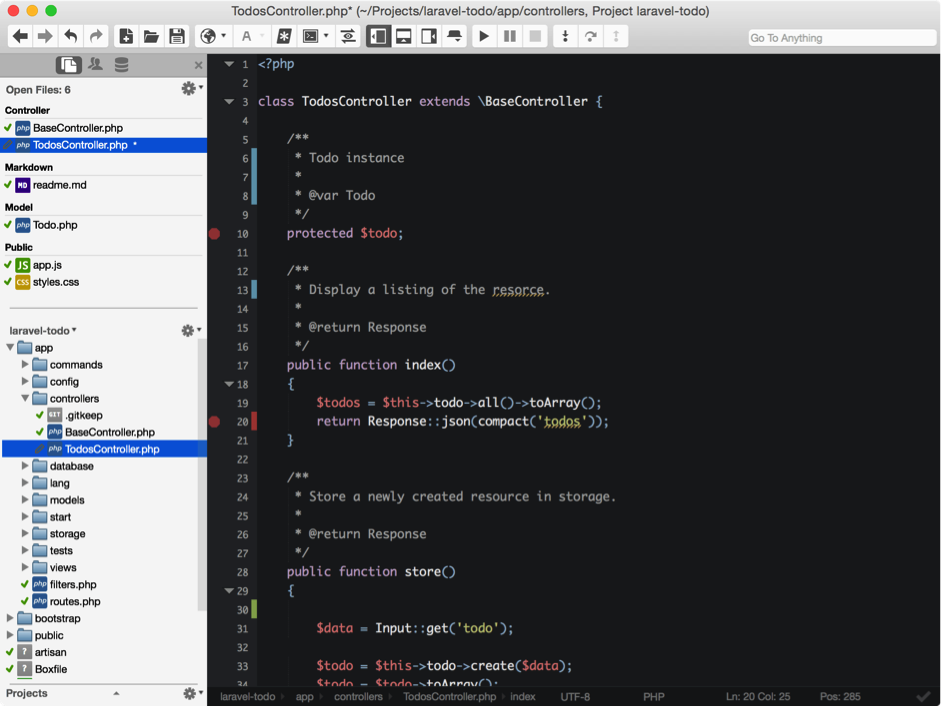
This Integrated Development Environment by ActiveState not only allows programming in Perl, but also in other programming languages such as Python, PHP, Go, HTML and Node.js. The idea behind Komodo IDE is to make it easy for programmers to develop interfaces in Perl thanks to features such as its version control, graphical debugger, unit testing system, online help and much more.
The latest advances in Komodo IDE make this a much more convenient and functional tool for most software developers:
– Version 9.2. has a panel that significantly reduces interruptions and time wasting in programming work. The names of instances are displayed directly on the panel.
– Komodo IDE now has an intelligent collaboration system that alerts each member of the team as to which of their development co-workers are editing code within the IDE at the same time.
– Rapid and automatic correction of syntax errors from the editor.
– The new package installer enables users to incorporate new functionalities to the IDE based on the features of each project.
– It introduces the focus mode, which enables elements within the IDE to be hidden so programmers can concentrate on writing code.
– Enhanced user interface.
– Integrated package manager.
– Creation of customized settings for everyday work.
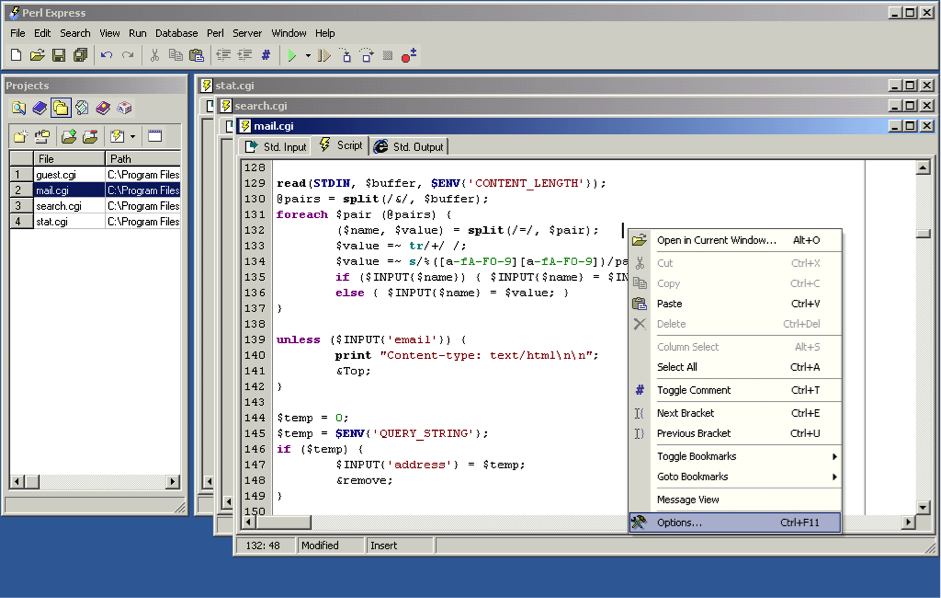
EPIC is an open-code Integrated Development Environment with its own editor and debugger, based on the Eclipse platform and compatible with several systems: Windows, Linux and Mac OS X. It is a fairly routine IDE for developing projects, with CGI command sequences and whose integration with Eclipse's Graphical User Interface offers an interesting added value.
Its main features are:
– Configurable coloring of syntax elements.
– Automatic detection of syntax errors during programming and when saving files.
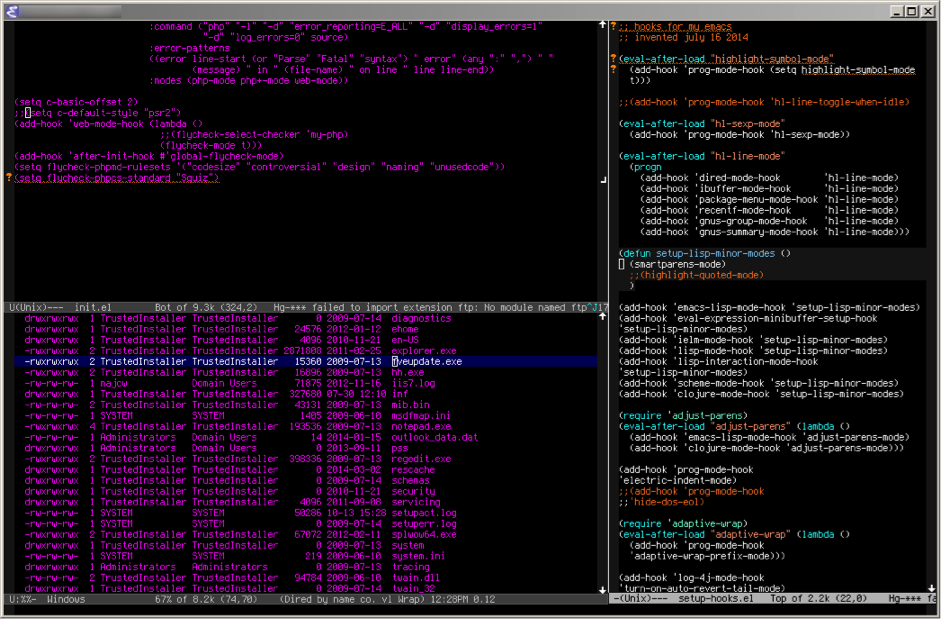
Emacs is an extensible, customizable self-documented real-time text editor for the Linux environment. It was written in 1975 by Richard Stallman and Guy Steele, two key names in free software. There are currently two versions of this text editor: GNU Emacs, developed by Stallman in 1984 and maintained since then by the Emacs GNU project; and XEmacs, another version of the editor based on the work of the first, launched in 1991.
Some of its key features are:
– Simple text editing system: commands for handling words and paragraphs, highlighting of syntax to make the code easier to read, and the option of running keyboard macros through customized commands.
– The text editor can be modified to suit developers' needs by incorporating fragments of the Emacs Lisp code (code libraries, packages or plugins) with new functionalities:
UltraEdit is an advanced text editor for Perl, PHP, Java and JavaScript. This editor allows code programmers to handle files of over 4 GB. This is a pay tool, but it has a free trial period.
Some of its key features include:
– Configurable highlighting of syntax.
– Complete FTP support.
– Multipanel FTP browser.
– Smart templates.
– Code folding function to allow programmers to hide the parts of the code they have no need to see.
– Complete list of functions: all the functions are displayed in a tree view, including all the subgroups (parameters, variables, properties…).
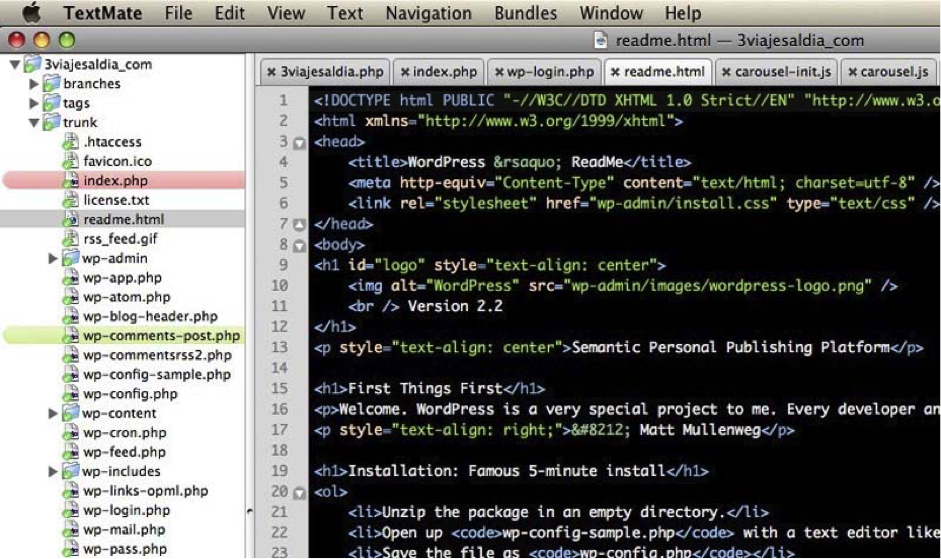
TextMate is a text editor with Graphical User Interface (GUI) for the Mac OS X operating system. It was developed by Allan Odgaard. It has a large community that launches public contributions to customize the editor according to the needs of each project. This editor is constantly being improved.
Some of its key features:
– Text search-and-replace function in a project.
– Search and replace text with regular expressions.
– Dynamic format for working with several files.
– Blocks of folding code.
– Clipboard history.
– Recording of macros without the need for programming.
Mojolicious is a real-time web framework for developers in Perl. It was created by Sebastian Riedel. This development framework uses the standard Model-View-Controller (MVC) pattern and supports CGI, FastCGI and PSGI. The framework also supports RESTful routes, plugins, signed cookies, unit testing, static file servers, templates, JSON format and more. The website for this framework also has very useful documentation for beginners.
Catalyst is an open-code web framework that uses a Model-View-Controller pattern. It is multiplatform and has ample documentation thanks to a large community of developers who ensure constant and ongoing enhancements for this software development brand. It is inspired by Ruby on Rails.
Banco Bilbao Vizcaya Argentaria, S.A. owner of this portal uses cookies and/or similar technologies of its own and third parties for the purposes of personalization, analytics, behavioral advertising or advertising related to your preferences based on a profile prepared from your browsing habits (e.g. pages visited). If you wish to obtain more detailed information, consult our Cookies Policy.
Cookie settings panel
These are the advanced settings for first-party and third-party cookies. Here you can change the parameters that will affect your browsing experience on this website.
Technical Cookies (required)
These cookies are used to give you secure access to areas with personal information and to identify you when you log in.
Name
Owner
Duration
Description
gobp.lang
BBVA
1 month
Language preference
aceptarCookies
BBVA
1 year
Configuration Accepted Cookies
_abck
BBVA
1 year
Helps protect against malicious website attacks
bm_sz
BBVA
4 hours
Helps protect against malicious website attacks
ADRUM_BTs
Salesforce Marketing Cloud
Session
Required for monitoring of the service, inherent to SFMC
ADRUM_BT1
Salesforce Marketing Cloud
Session
Required for monitoring of the service, inherent to SFMC
ADRUM_BTa
Salesforce Marketing Cloud
Session
Required for monitoring of the service, inherent to SFMC
ADRUM_BT
Salesforce Marketing Cloud
Session
Required for monitoring of the service, inherent to SFMC
xt_0d95e
Salesforce Marketing Cloud
Session
Remember user preferences (if any)
__s9744cdb192d044faa1bf201d29fafd1e
Salesforce Marketing Cloud
Session
Remember user preferences (if any)
wpml_browser_redirect_test
WPML
Session
Text translation in the portal
wp-wpml_current_language
WPML
24 hours
Text translation in the portal
Analytics Cookies
They are used to track the activity or number of visits anonymously. Thanks to them we can constantly improve your browsing experience
Your browsing experience is constantly improving.
With your selection, we cannot offer you a continuously improved browsing experience.
Name
Owner
Duration
Description
AMCV_***
Adobe Analytics
Session
Unique Visitor IDs used in Cloud Marketing solutions
AMCVS_***
Adobe Analytics
2 years
Unique Visitor IDs used in Cloud Marketing solutions
demdex (safari)
Adobe Analytics
180 days
Create and store unique and persistent identifiers
sessionID
Adobe Analytics
Session
Launch's internal cookie used to identify the user
gpv_URL
Adobe Analytics
Session
Adobe Analytics plugin: getPreviousValue Capture the value of a certain variable in the following page view, in this case the prop1
gpv_level1
Adobe Analytics
Session
Cookie used to store the DataLayer levl1 of the previous page.
gpv_pageIntent
Adobe Analytics
Session
Cookie used to store the pageIntent of the previous page.
gpv_pageName
Adobe Analytics
Session
Cookie used to store the pagename of the previous page.
aocs
Adobe Analytics
Session
Cookie that stores the first values collected at the beginning of a process.
TTC
Adobe Analytics
Session
Cookie used to store the time between the App Page Visit event and the App Completed event.
TTCL
Adobe Analytics
Session
Cookie used to store the time between the LogIn event and App Completed.
s_cc
Adobe Analytics
Session
Determine if cookies are active
s_hc
Adobe Analytics
Session
Cookie used by Adobe for analytical purposes
s_ht
Adobe Analytics
Session
Cookie used by Adobe for analytical purposes
s_nr
Adobe Analytics
2 years
Determine the number of user visits
s_ppv
Adobe Analytics
Permanent
Adobe Analytics plugin: getPercentPageViewed Determine what percentage of the page a user views
s_sq
Adobe Analytics
Session
ClickMap/ActivityMap features
s_tp
Adobe Analytics
Session
Cookie used by Adobe for analytical purposes
s_visit
Adobe Analytics
2 years
Cookie used by Adobe to know when a session has been started.
Advertising Cookies
They allow the advertising shown to you to be customized and relevant to you. Thanks to these cookies, you will not see ads that you are not interested in.
The advertising is customized to you and your preferences.
Your choice means you will not see customized ads, only generic ones.
Name
Owner
Duration
Description
OT2
VersaTag
90 days
VersaTag Cookie used to store a user id and the number of user visits.
u2
VersaTag
90 days
VersaTag Cookie where the user ID is stored
TargetingInfo 2
MediaMind
1 year
Cookie that serves to assign a unique random number that generates MediaMind.
Customization Cookies
These cookies are related to general features such as the browser you use.
Your experience and content have been customized.
With your selection, we cannot offer you a continuously improved browsing experience.
Name
Owner
Duration
Description
mbox
Adobe Target
9 days
Cookie used by Adobe Target to test user experience customization.
Looks like you’re browsing from MexicoSpainArgentinaPeruColombiaBelgiumChileUSAFranceHong KongItalyPortugalUnited KingdomTurkeyUruguayVenezuelaAlemania, so let’s show you the custom content for your
location. Change
Select a country
In order to access the private area and corresponding sandbox, select the country of the APIs you want to use.